Add your photo
Pick a clear photo of yourself.
Upload your photo and clothing images. See the outfit on you before you buy or wear it.


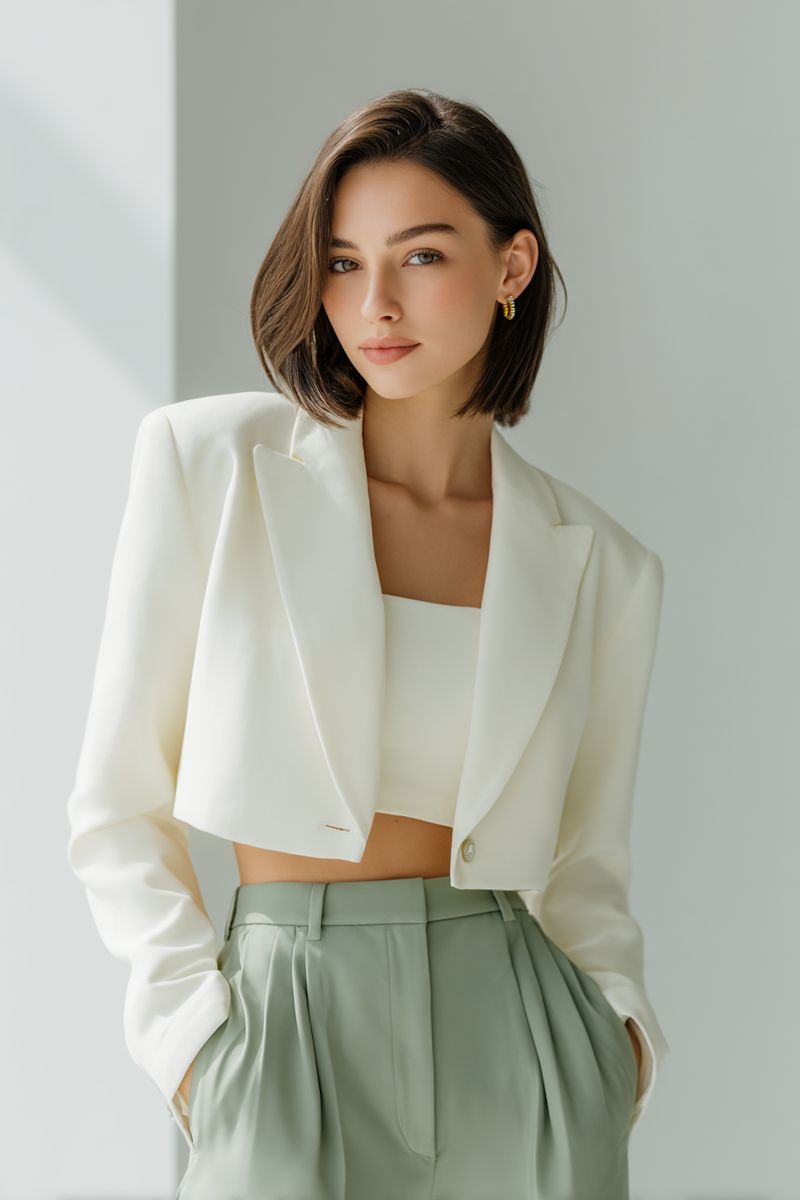
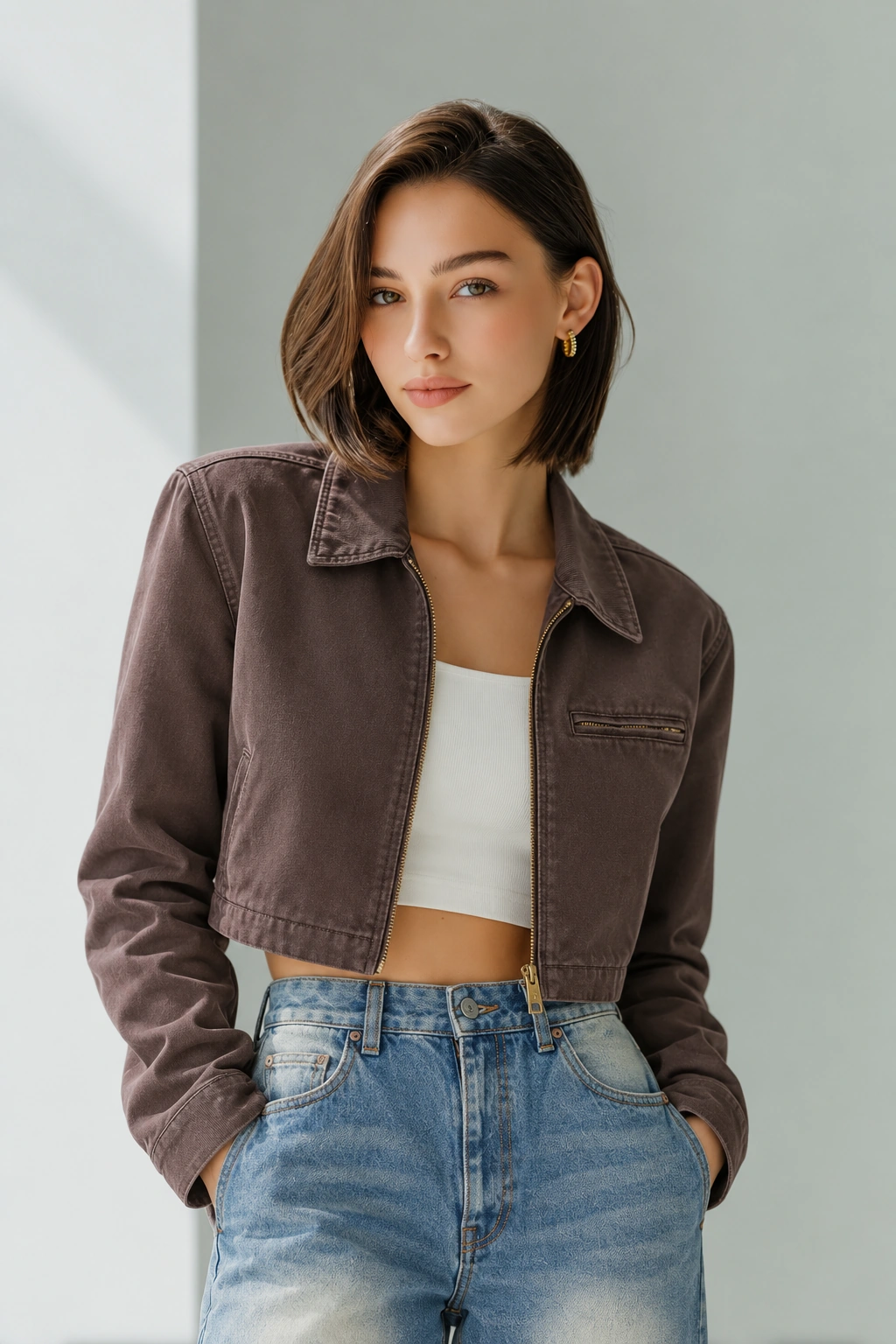
Drag to see before and after. Illustrative preview.
Pick a clear photo of yourself.
Upload the pieces you want to try.
Preview the look and save it if you like it.
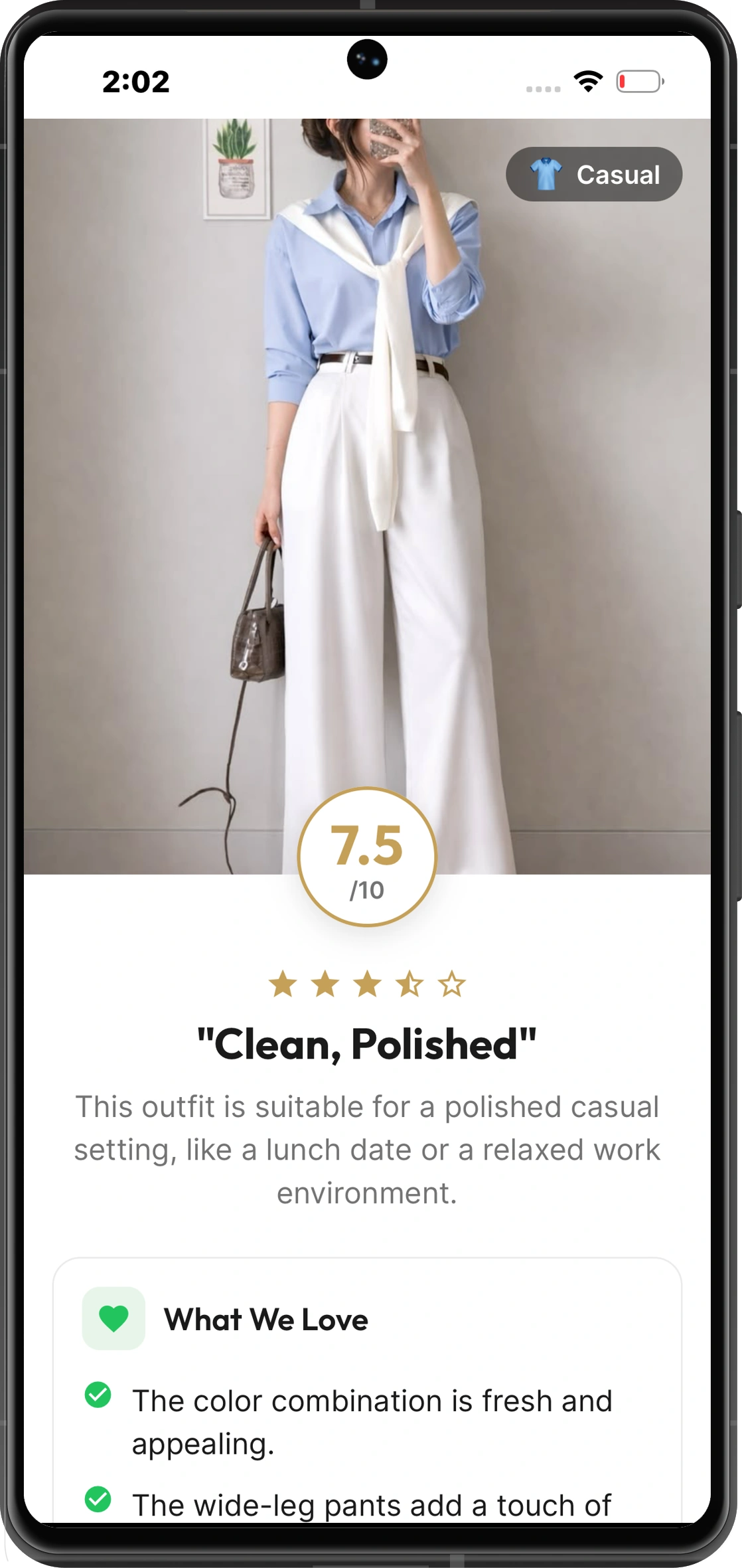
Upload an outfit photo for an AI rating and feedback on what works and what you could change.
Roast Mode gives your look a playful score and tells you what to fix.

Add a photo of yourself and photos of the clothes you want to try. Aura Fits makes a preview of the outfit on you.
No. It is a visual preview. The fit, color, and fabric may look different in person.
Yes. Upload your outfit photo to get a score and feedback on what works and what you could change.
It is a playful outfit rating with a witty verdict and tips you can use.
Yes. Save looks you like and find them again in the app.
Your photos are sent to Google Gemini to make try-on previews and outfit ratings. Aura Fits does not store them permanently on its servers. Read our Privacy Policy for details.
Available on iPhone and Android.